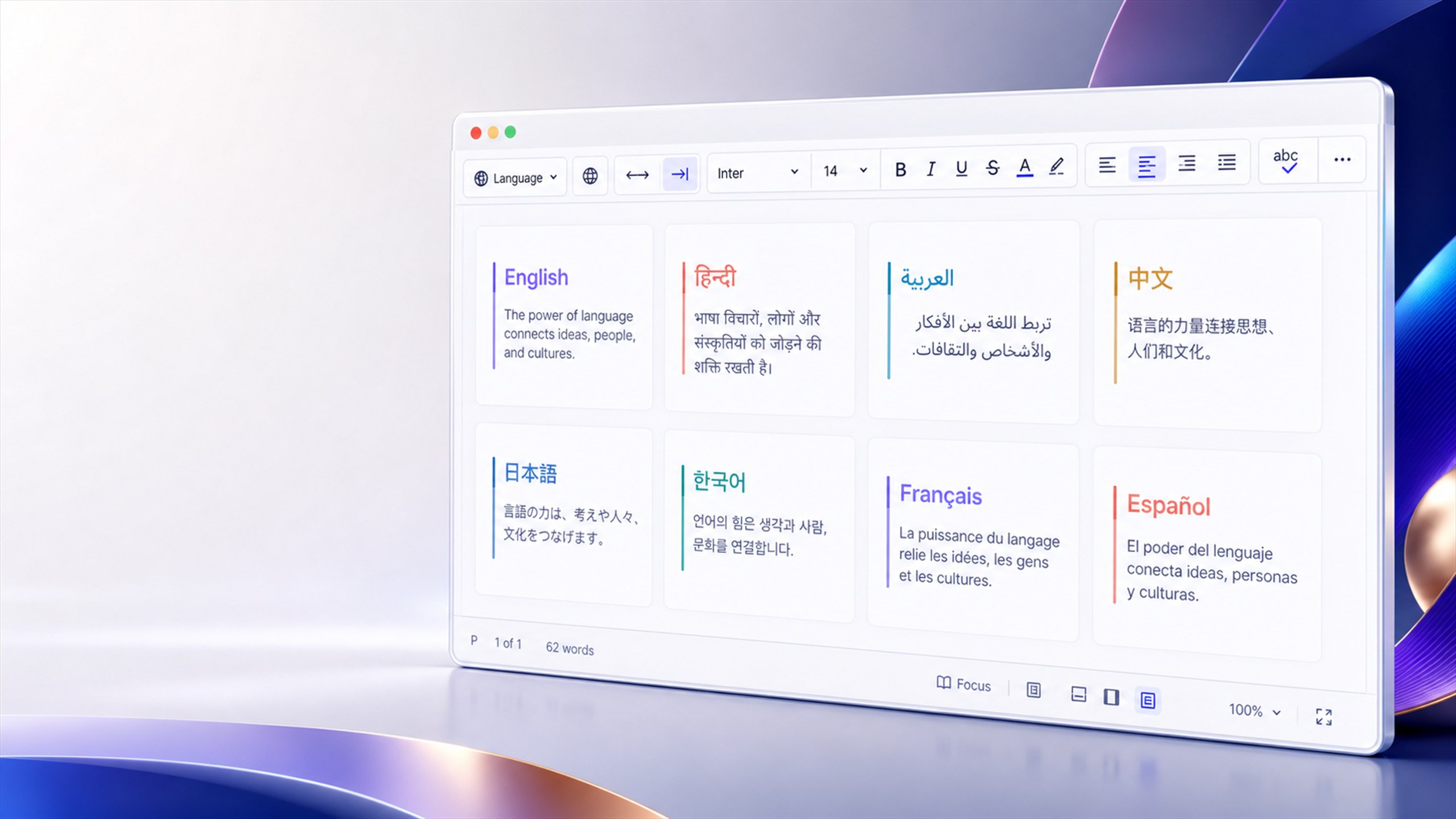
Languages and bidirectional text
Welcome to Editra
एडिट्रा में स्वागत है
ఎడిట్రాకు స్వాగతం
ایڈیٹرا میں خوش آمدید
مرحبًا بك في إديترا
Bienvenido a Editra
Bienvenue sur Editra
Willkommen bei Editra
Bem-vindo ao Editra
欢迎来到 Editra
Editraへようこそ
Editra에 오신 걸 환영해요
Initialize a document language
Load the languages plugin only when the integration needs language switching. The plugin updates the editor's lang and dir attributes and exposes the same behavior through the command API.
const editor = await Editra.init({
  selector: "#editor",
  theme: "Word",
  plugins: ["languages", "formatting"],
  toolbar: "setLanguage | bold italic | alignment",
  language: "ar",
  direction: "rtl"
});

await editor.executeCommand("setLanguage", "fr");
Mix scripts safely
Editra preserves Unicode content across Word and Classic themes and across both <div> and synchronized <textarea> hosts. Direction can be set for the document while individual HTML blocks retain their own dir="rtl" or dir="ltr" semantics.
Clear capability boundary: language and text-direction support do not imply automatic translation. Translation can be supplied separately through an approved application or community plugin.